- 0.77 - 28th June 2012
- Databases - SQLite and MySQL dlls no longer embedded in the exe. Instead they're provided in the zip file and should sit alongside the exe.
- Library - Tab sort order of artists list now remembered properly
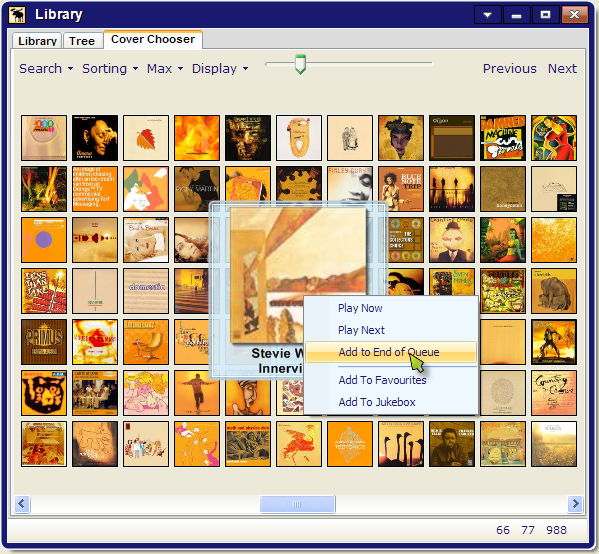
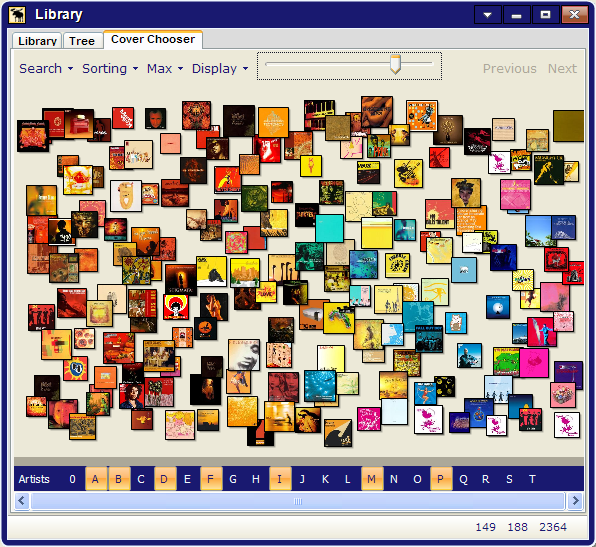
- Library - New slider at the top right which adjusts the album height
- MediaKeys - Volume steps option added, and the default per click reduced from 10 to 5
- FullScreen - Maximizing and fullscreen should work properly now with multiple monitors, multiple resolutions, etc
- FullScreen - Screensaver and SystemStandby now disables whilst in fullscreen (in theory)
- 0.76c - 18th August 2011
- Scanning - SQLite.dll now copied alongside Moose.exe rather than in thumbs folder. Moose wont create it if it's already there.
- 0.76a - 17th August 2011
- Scanning - SQLite.dll now copied into /X-32/ folder and loaded from there. Moose wont create it if it's already there.
- Scanning - SQLite wal mode specified in connect string for 7.6.1+ db's. This should fix the new db locked issues.
- Coverart - Moose now requests /music/68/cover?player=XXX rather than /music/68/cover.jpg?player=XXX to get round a new 7.6 server bug.
- Library - Library window opening stall now fixed for all builds except 7.6.0.
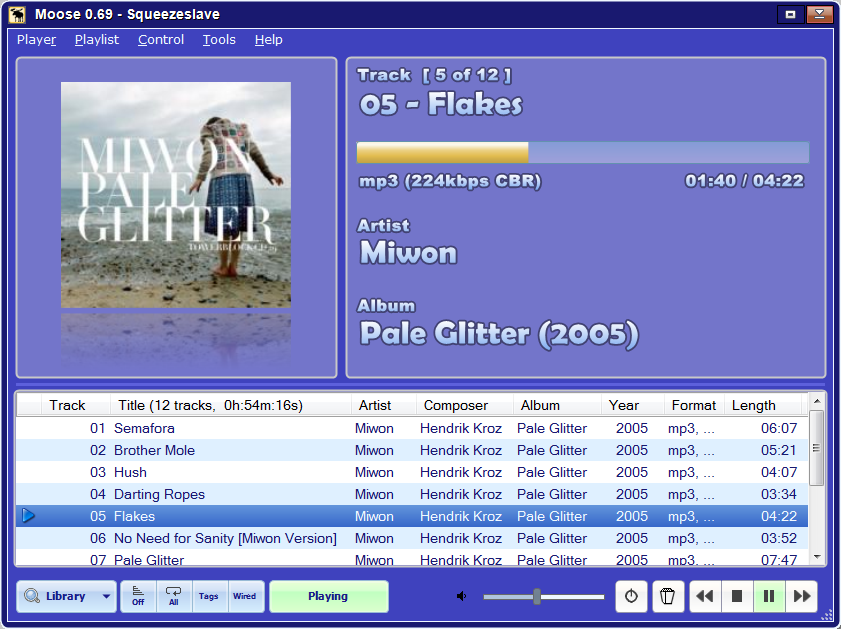
- WPF nowPlaying - New tab in the library which mimics the now playing text, but uses the new wpf code rather than gdi+. Not intended to be useful yet.
- NowPlaying - Code to generate Now Playing text's been refactored. Hopefully no bugs have crept in.
- Quality - Now Playing and Toast Render Quality settings always anti-alias unless they're set right to 0.
- Options - Database guesser now uses full returned db string for sqlite database.
- Options - Strikethrough options hidden.
- 0.76 - 8th August 2011
- Scanning - SQLite now has 2 copy locally options.
Copy Locally Before Scanning makes sense to always have ticked.
Copy Locally Before Simple Checks probably makes sense not to have ticked. A simple check is something like checking if the server database is newer. Having this on can slow
library opening times down a bit, but may be necessary if there are problems.
- Scanning - Favour Track's PrimaryArtist if present. The server database sometimes associates a track with a primary artist. If this is the case, scanning will be much quicker as Moose doesnt have to scan all the artists for one which matches the track.
- Scanning - Group NoAlbum Tracks In Various Artists. Previously Moose has always grouped together tracks that dont have an album tag into 1 single NoAlbum entry and listed it under Various Artists.
Unticking this option splits this uber-album into lots of smaller albums and files them with their associated artist.
If you miss the old way of working, tick this option. It can be handy for tidying up tags.
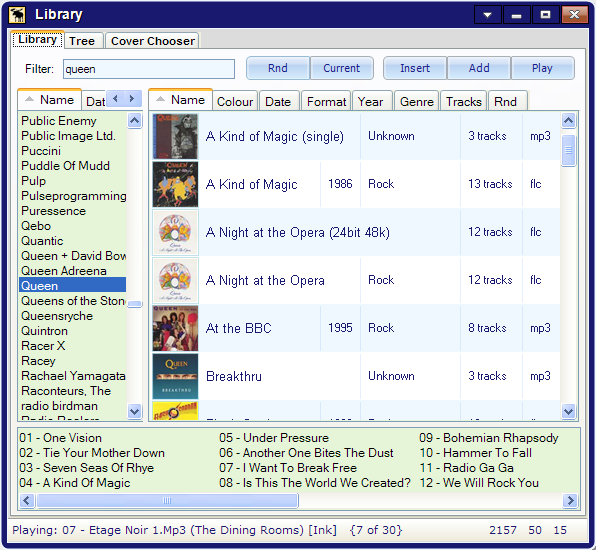
- Library - Minor tweak to the library search results.
If a search renders no artist matches, then the album list entries get their artists included in the search.
So.. If you typed "Queen magic" before, you'd probably get no matches in either the artist or album lists as the item has to include all the words.
With the new system, the artist list would still be empty, but the albums list would match Queen's A Kind Of Magic, and any other Queen Magic albums.
The reason it only does it when not matching artists is to avoid swamping the albums list when just typing "Queen". If you want all the Queen albums, you
have to click on the artist after the search. etc..
- Draw Quality sliders - There are now two in the options window.
The one in the Library tab controls the quality of thumbnail rendering in all the library windows, including the cover chooser.
The one in the Now Playing tab controls the quality of the Now Playing and Toast windows.
Depending on your system, it's best to set the library one to low-quality and the now playing to high-quality.
- ReplayGain - 2 new columns added to the Now Playing playlist grid.
Turn the columns on/off via the right-click menu on the column headers.
- Tune In URL - Finally got round to adding a way of tuning into streams without having to resort the the web ui.
The new feature's located in the "Control->Tune In URL.." menu below RandomMix.
- Flow - Added a button to the flow tab. DO NOT PUSH IT !
- 0.75b - 29th July 2011
- New Draw Quality slider option in the Now Playing tab.
Currently there are 10 settings which alter things like image interpolation, image smoothing and compositing quality.
The more to the right, the better the image resize quality, but the slower things go. All rather graphics card dependent.
- New Cached Thumbnail Height option in the Library tab.
This is the size of moose's cached thumbnails that it uses for the cover chooser and library lists.
It now defaults to 100, which should be fine. 250 is nice, but causes slow-down issues on some PCs.
If you want to speed moose up and dont mind blocky bitmaps, set it to 30, delete the thumbs folder and rescan.
- 0.75a - 27th July 2011
- Fix for embedded SQLite dll (server 7.6+).
Now using System.Data.SQLite.Dll v1.0.74.0, which
gets written to thumbs folder and loaded from there.
NB: For this SQLite to work, you need to download and install the Microsoft Visual Studio 2010 SP1 runtimes.
- More logging added for SQLite issues and for coverart scanning issues.
- 0.75 - 26th July 2011
- Big general change 1: Moved from .Net 2.0 to .Net 4.0
- Big general change 2: Removed support for legacy SQLite scanning (6.3 OR EARLIER)
- Big general change 3: Shouldn't need ANY external dll's anymore, both MySQL and SQLite support are built in
- Big general change 4: UTF string processing changed to use .Net4's System.Net.WebUtility rather than System.Web.HttpUtility, which means Moose should work with the .net4 client framework
- Big general change 5: thumbnail folder bitmap file names no longer use +'s for spaces
- Big general change 6: Changed some of the DNS code to use non-deprecated functions
- Options - Bitmap Path option now supports multiple paths and macro expansion. If you want to display a bitmap of the now playing artist, you can. Technical details in the dialog below the option.
- Options - Tray tab renamed to System and a new Disable Screensaver/Monitor standby option added
- Bug - The -justscan option was crashing with SQLite scans. This is now fixed.
- 0.74 - 7th Feb 2011
- NB: Moose 0.74 was the last moose to support 6.3 or earlier. It's also the last Moose to use .Net 2.0
- Options - new Colours tab with fuller control over window colours
- Options - seekbar customisation now available
- Options - new Buttons tab with initial support for custom buttons (uses a syntax similar to Kidsplay)
- Options - IRBlaster support - this is linked to the new custom buttons system
- Now Playing - right-click menu on popcorn button to list and use custom buttons
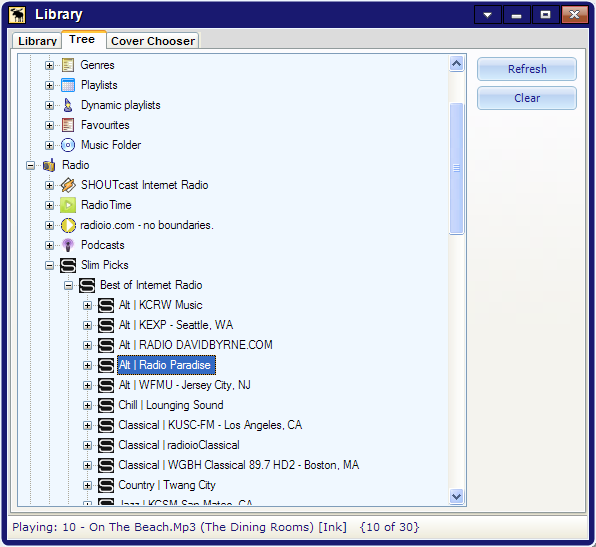
- Tree - fixes for accented characters, especially in music folders and radios
- Tree - fixes for radio icons becoming out of sync
- CoverChooser - optimisations for non-layout mode
- Others - lots of other tiny fixes here and there which lack of sleep has wiped from my immediate memory
- 0.73a - 2nd April 2010
- Now Playing - switched np coverart to use the song id rather than the 'current' link, which seems to be broken in embedded builds
- Options - added cover art option for using the song id or the 'current' link
- Info - added some tests for Erland's new Song Info plugin
- Info - updated button styles
- 0.73 - 1st April 2010
- Library - New songs grid to replace the old simple list
- Library - Remembers previous sort tabs
- Library - Multiple dragdrop and selection code tweaked
- Library - Context menu track sort order fixed to use tracknumbers rather than filenames
- Scanner - support for 7.5 embedded server (supports the string version of artworkid in newer schemas)
- Scanner - better handling of sqlite local caching
- Scanner - reads and stores track lengths in moo file
- Info - a few tweaks and updates
- Options - a couple of new 'guess' buttons for the database type and http port - must already be connected to work
- Now Playing - fixes for detecting the server's latest no-artwork and changed artwork logic
- Now Playing - fixes for parsing new scanner progress CLI
- Older release history...
For news and updates, join this fellow:
NB: Please send support questions to my email address or the forums, rather than the group.
|
|